


Sign up now and get 50% off on your first month on any plan

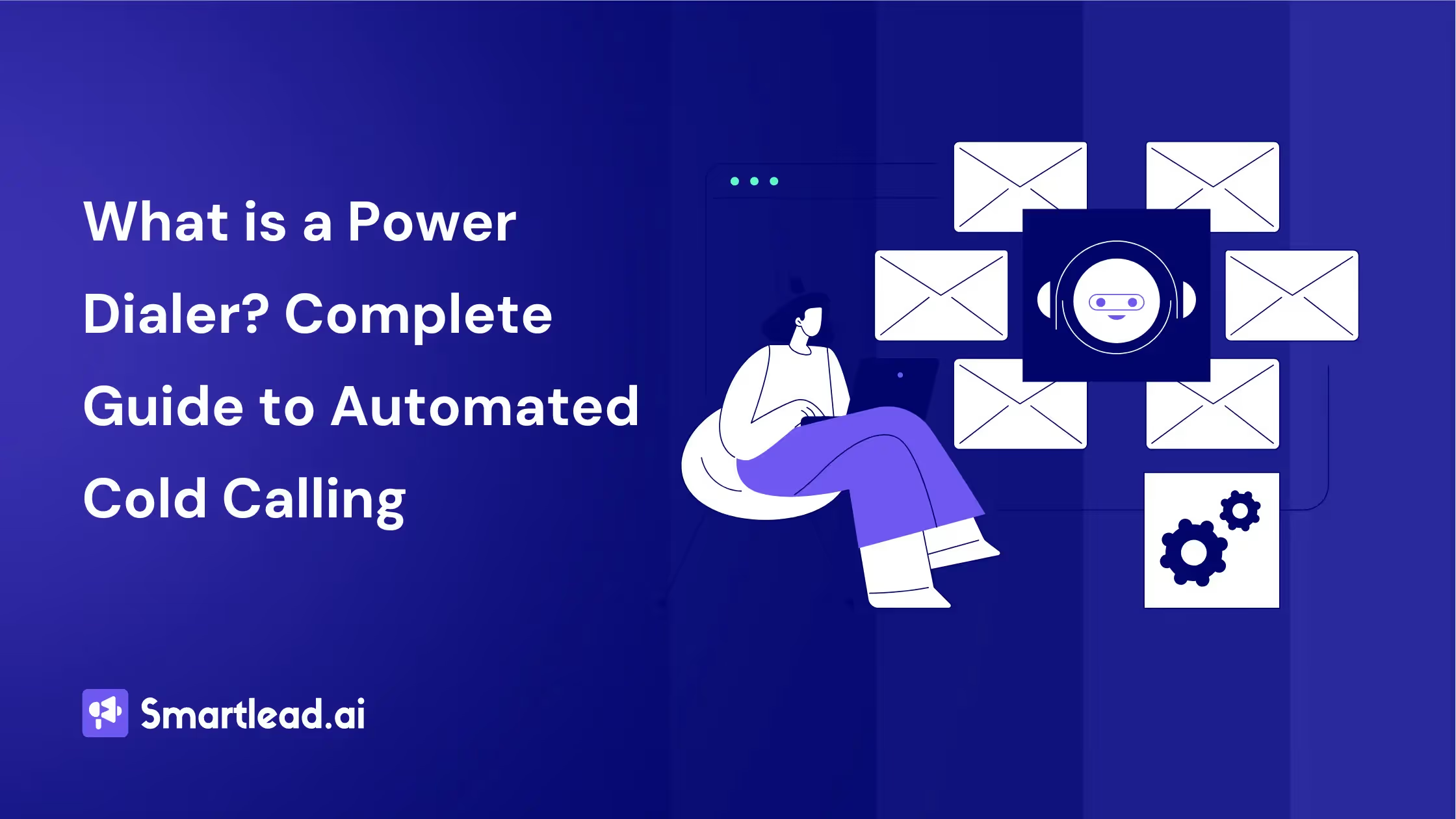
A power dialer is software that automatically dials one phone number at a time from a contact list and connects the rep the moment someone picks up, so reps skip the busywork of manually typing numbers between calls.
It is the most common form of automated cold calling in modern sales teams because it keeps a human on every call without the compliance risk of multi-line dialing.
Here's why that one-sentence definition matters more than it sounds. Cognism's analysis of over 200,000 cold calls puts the average connect rate at just 2.7%, which means a rep needs dozens of dials to reach a single live human.
Anyone who's spent a real day on the phones knows the actual job isn't talking to prospects, it's everything around the talking.
Finding the next number. Typing it in.
Waiting for it to connect, then hanging up on a voicemail and doing it all again. An hour of "cold calling" can easily be forty minutes of that and twenty minutes of actual conversation. A power dialer exists to delete the forty minutes.
That's a small-sounding change with a big compounding effect.
More live conversations per hour doesn't just mean more calls logged, it means more shots at the thing that actually matters: a prospect who picks up, listens for five seconds, and decides whether to keep listening.
A power dialer is software that dials phone numbers automatically from a pre-loaded list, one at a time, in sequence.
When you hang up call #1, the power dialer immediately dials call #2. No manual number entry, no searching for the next contact, no dead time between calls. The result: calling volume increases meaningfully, commonly cited around 3x, without adding headcount.
Cold calling remains a genuinely effective outbound channel, particularly when it's layered alongside email and LinkedIn touches rather than run in isolation. The challenge has never really been whether calling works. It's making enough calls, consistently, to reach the volume where the numbers start working in your favor.
That is what a power dialer solves. Here is how each type works, what to look for in a tool, and how calling fits into modern automated cold calling strategy.
A power dialer follows a simple automation loop that removes the mechanical parts of cold calling while keeping the human conversation.
The power dialer workflow:
Published B2B cold calling benchmarks vary quite a bit by source and by how "connect" is defined, but a reasonable range across recent industry data puts connect rates somewhere between 5% and 15% of dials. At the lower end of that range, reaching one live person can take 15-20 dials. With manual dialing at 20-25 calls per hour, that leaves a rep reaching only 1-2 people per hour. A power dialer at 60-80 calls per hour gets you to meaningfully more live conversations in the same hour, simply by removing the dead time between dials.
The math holds regardless of the exact connect rate you're working with: more calls per hour means more conversations per hour, which means more chances to book a meeting without working longer hours.
Three types of automated dialers exist, each with different mechanics and compliance implications.
The category names sound similar but the products work very differently. Here is the quick map:
For B2B sales, power dialers are the standard. Parallel dialers increase volume but create a poor experience: when two prospects answer simultaneously, one gets dropped or placed on hold. The FCC's TCPA regulations cap abandoned call rates at 3%, making aggressive parallel dialing a compliance risk.
On timing, the data is genuinely mixed depending on the source. Gong's own published research points to Tuesday and Wednesday mornings, 9 AM to 12 PM local time, as the strongest connect-rate window in its dataset. Other industry benchmarks point to a secondary strong window in the 4-5 PM range. Rather than betting everything on one specific hour, the more reliable pattern across sources is this: mid-morning and late-afternoon tend to outperform very early mornings, lunch hours, and end-of-day. A power dialer with time zone intelligence (like SmartDialer) automatically adjusts calling windows to the prospect's local time rather than the rep's, which matters more than chasing one specific "best" hour.
Not all power dialers are created equal. The features that separate good dialers from basic ones:
Must-have features:
Advanced features that matter:
Smartlead's SmartDialer includes all must-have features plus multi-channel integration. The unique advantage: calls sit inside the same sequence as emails and LinkedIn touches, so your rep sees the full prospect interaction history before picking up the phone.
Cold calling alone produces diminishing returns. Cold calling as part of a multi-channel sequence produces compounding returns.
Most outbound deals today require several touches spread across multiple channels rather than a single email or a single call. The most effective sequence combines email, LinkedIn, and calling in a specific order:
The multi-channel sequence that works:
Sequences that combine channels consistently outperform single-channel outreach, and the gap tends to be substantial rather than marginal. The key is orchestration: each touch builds on the previous one, and the rep has full context across channels rather than treating each channel as its own disconnected effort.
Smartlead's multi-channel sequencing with SmartDialer built in means you set up this entire sequence once. The platform tells the rep when to call, shows them the prospect's email engagement history, and logs the call outcome automatically.
Standalone power dialers (Kixie, PhoneBurner, Orum) do one thing: make calls. They do not know what emails your prospect received, whether they opened them, or what LinkedIn activity occurred.
SmartDialer is built into Smartlead's outbound operating system, which means:
A standalone dialer commonly runs $50-150/month per user and still requires a separate email tool and a separate LinkedIn tool, plus manual coordination between all three. Smartlead combines all channels at $39/month flat.
Cold calling ROI depends on four metrics, tracked at both the individual and team level:
The four metrics that matter:
ROI calculation:
A rep making 60 calls/hour with a 10% connect rate and 20% meeting rate books roughly 1.2 meetings per hour. At 4 hours of calling per day, that's several meetings per week. If each meeting has a 25% close rate and the deal size averages $5,000, calling hours generate real, trackable pipeline value, well above what most teams pay for the calling infrastructure itself.
Compare that to the cost: Smartlead at $39/month covers calling, email, and LinkedIn. A standalone dialer at $100/user/month covers calls only. The ROI calculation favors integrated platforms because the same prospect data and engagement history power all three channels instead of living in three disconnected systems.
Cold calling compliance varies by country and state. The major regulations:
SmartDialer includes built-in DNC list checking and call recording consent features. For teams calling across multiple jurisdictions, the platform flags compliance requirements per prospect location.
The market is crowded. Most tools fall into one of three buckets: standalone dialers (Aircall, Orum, Nooks, PhoneBurner), CRM-attached dialers (Salesloft Cadence, Outreach Voice, HubSpot Calling), and outbound-platform dialers (Smartlead SmartDialer, Klenty, Reply.io).
For the full ranked breakdown with G2 scores, pricing, and feature comparisons, see the best power dialer software guide.
Use one when your reps are spending more than 30 minutes a day on the mechanical work of dialing, logging, and queuing the next call, and when call volume (not raw connect rate) is the bottleneck.
The clearest signs:
Skip the category in three cases. If you are running a few high-value calls per day to named accounts, manual dialing is fine.
If you are in a heavily regulated B2C context, a predictive dialer with strict abandonment-rate controls is the regulated answer. And if you need 5x to 10x raw conversation volume at the cost of compliance complexity, a parallel dialer is the answer there.
Here's the honest truth about where power dialers are heading.
A dialer that lives in its own silo, separate from your email tool, your CRM, your LinkedIn outreach, creates a new kind of inefficiency even as it solves the old one.
You call faster, sure. But you're still calling without full context. Still manually stitching together what happened on other channels. Still switching between five tools to understand where a prospect actually stands.
The shift happening in 2026 is toward unified outbound, where email, LinkedIn, and calling aren't three separate motions but one coordinated play. Email creates the signal.
Other touchpoints reinforce it. The call happens at exactly the right moment, with everything the rep needs already surfaced.
That's a fundamentally different category from a standalone automated calling system.
It's not a dialer with integrations bolted on. It's a single platform that orchestrates the whole motion, and calling is one layer of it.
What That Looks Like in Practice: SmartDialer
SmartDialer is Smartlead's answer to this. And it's worth understanding why it was built the way it was.
Most dialers start when you pick up the phone. SmartDialer starts the moment a lead enters your outbound sequence.
By the time a rep makes a call, they can see the emails that were sent, which ones were opened, how many LinkedIn touches landed, and any notes from previous interactions. The lead isn't cold. The rep isn't guessing.
The call happens. And then, this is the part most dialers skip, the conversation keeps going after hang-up. Notes get saved. The CRM updates.
A follow-up gets scheduled. The lead moves to the next stage. All of it, automatically. Because SmartDialer lives inside Smartlead's full outbound platform, the calling moment isn't isolated.
It's the natural next step in a sequence that's already been building context, and the foundation for everything that follows.
That's the difference between a faster dialer and a smarter outbound motion.
.avif)
SmartDialer is Smartlead's answer to this, and it's worth understanding not just what it does, but why it was built the way it was.
Most dialers start when you pick up the phone. SmartDialer starts the moment a lead enters your outbound sequence.
By the time a rep makes a call inside Smartlead, the system has already been working. Emails have gone out. LinkedIn touchpoints may have landed.
The lead has been warming through a coordinated sequence, and all of that history is surfaced right there in the calling interface.
The rep sees which emails were sent, which ones were opened, how many times, whether there was a reply, and any notes from previous interactions.
The call isn't cold. It never was. The rep isn't guessing at the context. They're walking into a conversation they already partly know, with a prospect who's been hearing from them across multiple channels. That's a completely different dynamic than a blind dial.
Here's where SmartDialer starts to separate itself from traditional power dialers. In a standard automated calling system, "the right time to call" is just whenever the list gets to that contact.
SmartDialer treats timing as a signal.
When a prospect's engagement spikes, opens an email, clicks a link, responds to a touchpoint, that's intent.
That's the moment to call. Smartlead's platform detects that signal and surfaces it, so reps aren't just moving through a queue mechanically.
They're calling when the prospect is actually thinking about them. That window is short. SmartDialer is built to hit it.
The calling interface itself is built for reps who need to move fast without losing anything. The lead's full email history sits alongside the live call.
There's a notes field open for real-time logging, whatever you type during the conversation gets saved automatically, not left to memory afterward.
Recording is on by default. Every call gets an AI-generated transcript through Deepgram, timestamped and searchable, ready in your call logs after the conversation ends.
Reps can review their own calls.
Managers can coach from real material. No more reconstructing conversations from vague notes written 30 minutes later.
This is the piece that compounds over time.
When a call ends in SmartDialer, the work doesn't fall back on the rep. Notes are saved. The CRM updates. Follow-up steps get scheduled. The lead's stage in the sequence moves forward based on what happened.
There's no "I'll log that later" that becomes "I forgot to log that." The thread stays intact automatically.
For a team making 150 calls a day, that's hundreds of manual admin tasks that simply don't happen, because the system handles them in the background.
The time saved goes back into the next conversation. And the next one.
.avif)
SmartDialer uses per-account pricing, one plan, one shared pool of minutes, unlimited team members at the higher tiers.
This is a deliberate choice, and a significant one if you're evaluating it against tools like Aircall ($50/user/month) or Nooks ($150+/user/month).
As your team grows from 3 SDRs to 10, your dialer cost on per-user tools scales linearly.
On Smartlead, it doesn't.
Plans start at $9/month for solo users getting started, with team tiers that give you shared minutes and unlimited seats. Additional phone numbers are $1/month each.
For teams thinking about scale, that math matters.
SmartDialer isn't trying to be the fastest standalone dialer on the market. There are tools optimized purely for raw dial volume if that's what you need.
What SmartDialer is built for is the team that's already doing multichannel outbound, email sequences, LinkedIn touchpoints, coordinated follow-up, and wants calling to fit inside that motion rather than exist alongside it as a separate operation.
If your outbound lives in Smartlead, SmartDialer is the missing piece that closes the loop. Email builds the context. The sequence maintains the rhythm. SmartDialer makes the conversation happen. And the platform carries everything forward after.
That's not a faster way to dial. That's a fundamentally better way to do outbound.
The case for a power dialer doesn't rest on any single dramatic statistic, it rests on simple arithmetic.
Removing the dead time between calls turns a rep's available hours into more live conversations, and more live conversations is the one lever that reliably produces more booked meetings, regardless of which connect-rate benchmark you're working from.
Power dialers win that arithmetic over parallel and predictive dialers for B2B specifically because they preserve call quality and stay clearly on the right side of TCPA compliance.
Where a tool like SmartDialer adds another layer on top is context: a call that already knows what the prospect opened, clicked, and replied to is a fundamentally different conversation than a cold dial with no history behind it.
A standard power dialer makes 60-80 calls per hour, compared to 20-25 calls per hour with manual dialing. Parallel dialers can reach 150-300 dials per hour by calling multiple numbers simultaneously, but this increases dropped call risk and may create TCPA compliance issues. For B2B sales, 60-80 calls per hour with a power dialer is the standard.
Power dialers that dial one number at a time (sequential dialing) are generally legal for B2B cold calling in the US. The TCPA primarily restricts auto-dialers that dial randomly or sequentially without human initiation. Always scrub your list against the DNC registry, comply with state-level regulations, and consult legal counsel for your specific use case.
A power dialer dials one number at a time after the previous call ends. A predictive dialer uses algorithms to dial multiple numbers simultaneously, predicting when an agent will become available. Predictive dialers are built for call centers with 20+ agents. For B2B sales teams of 1-10 reps, a power dialer provides better call quality and lower compliance risk.
Standalone power dialers commonly range from $50-150/user/month (Kixie, PhoneBurner, Orum). Enterprise dialers (Five9, Genesys) start at $200+/user/month. Smartlead's SmartDialer is included in the $39/month flat-rate plan, which also covers email sequencing, warmup, and LinkedIn outreach.
Most standalone power dialers integrate with CRMs (Salesforce, HubSpot) but not with email outreach tools. This creates a fragmented workflow where call data and email data live in separate systems. Smartlead's SmartDialer eliminates this by building calling directly into email and LinkedIn sequences, giving reps full cross-channel context on every call.
Yes, though the exact size of the effect varies by study, with estimates ranging from a modest 20-30% lift to much larger claims from some dialer vendors. The consistent finding across sources is that a local area code outperforms a toll-free or out-of-state number for answer rates. Most modern power dialers, including SmartDialer, support local presence by displaying a number with the prospect's area code.
Founder, StackOptimise
Smartlead's combination of automation, unlimited inboxes, and easy campaign management has completely transformed how we run cold email campaigns.
.jpg)
Founder, Cold Email Hackers

We have about 15 companies and we use Smartlead for all of them.

Founder, DutchSave Media

One of the things I love about using Smartlead is the deliverability feature. If they landed in the bounce or spam folders, we could resolve this quickly.

Co-Founder, Growth Today

I want to continue to use Smartlead to make operations more seamless - the plan is to bring more clients here and build more SOPs.

Founder, FueltoFly

Smartlead listens to the agencies and customers and builds according to what people want, that has really made things easier for us.

Founder, OutboundSync
We build an infrastructure product, and OutboundSync communicates with Smartlead itself. I love the webhook and API. They're really well done and keep getting better.

Founder, Axoleads

With SmartDelivery, you can put all of that in the hands of the tool. It ensures your emails land in inboxes, and by running a simple test, you can see if you're hitting the mark.

Founder, Claygen
Deliverability is the cornerstone of cold email outreach. You could have the best email copy in the world, but if no one is seeing it, it's useless. I really love the feature where you can actually give client accesses to your clients.

Co-Founder, Cymate

I do not want to switch to another software. Pick a solution you trust, stick with it, and keep refining your copy.

CMO, Avalanche Capital

Managing large volumes of emails through multiple inboxes used to be a logistical nightmare. With Smartlead, the process is seamless. We book thousands of discovery calls through cold emails. These campaigns are generating leads at a scale we never thought possible.

Founder, Growth Engine X

We came for the unlimited inboxes, and we stayed for the API. 1.5M cold emails/month, 7,767+ inboxes managed.

Head of Community & Ecosystem, TxtCart

You cannot replace having 10,000 touches with potential clients. When you have that much distribution and reach, you really start to see incredible results. The simplicity of Smartlead made all the difference. It doesn't require you to be a technical wizard.

Founder, Hyperke

Smartlead has been a game-changer for us. It increased our appointment volume, improved ease of use, and offered valuable features. 80% increase in appointments/month, peak of 276 appointments in a single month.

Founder, Kinetyca

Smartlead has been our cold email backbone from day one. The platform evolves constantly, keeping pace with how deliverability and personalization need to work today. 21% overall reply rate, $175K in 4 months for multiple B2B clients.

Founder, Reachflow

Smartlead is centered around deliverability and constantly evolving. Their API is not like any other platform. Smartlead covers all our needs. The focus on core features like deliverability and API integration is unmatched.

CEO, Halfwarm

Our approach to crafting conversational emails led to reply rates that many of my peers thought were unattainable.

Co-Founder, letstrike
We've grown on zero capital, zero marketing, purely cold emailing - and that's the story we love to tell. The best approach is no approach if you can't handle domain meltdown. The second best is something like Smartlead that's built from the ground up for deliverability at scale.

Founder, Fenixtal

Smartlead's white-labeling and automation let us punch above our weight. The 12M euros sales potential? That's what happens when you combine human creativity with Smartlead's precision.

Co-Founder, Digital Creativs

Nine out of 10. Ninety percent of our clients are on Smartlead unless they come in with an existing setup. That's the default.

Co-Founder, BuildingReach

At the end of the day, you have to take a bet on one tool or another. It was a no-brainer taking that bet on Smartlead. We had to even turn down the volume of our marketing campaigns - Smartlead was capable of driving more volume than our sales team was able to fulfill.

Founder & MD, Prospectiv

Since starting the business in January of this year, we've already generated $200K in sales exclusively from cold email. Smartlead has been central to our operations and has exceeded our expectations.

Founder, Growthlynk

There's so much stuff built on top of it. I would be dead if I had to rebuild it with another tool. I can manage hundreds of senders easily. I can send hundreds of thousands of emails.

Founder, Corebits

The platform's HubSpot integration, real-time Slack updates, and advanced campaign customization have been game changers for our business and our clients'.

Founder, Apex Ascension

From day one, we've never used anything else.